Quick answer: A good business listing tells customers, in plain words, what you do, who you serve, where you are and how to reach you. Write 80 to 150 words in your own voice, name your main services and the area you cover, add real photos and accurate hours, and never leave the default placeholder text in place. Keep the same details on every site where your business appears.
Key takeaways
- Lead with what you do and where. Customers decide in seconds.
- List specific services, not slogans. “Tooth extraction, cleaning and braces” beats “quality dental care”.
- Accurate hours, a phone number that gets answered, and real photos matter as much as the words.
- On Google Business Profile, links aren’t allowed in the description, and it shouldn’t focus on promotions or prices.
The most common mistake: no description at all
When we reviewed the business profiles on Kwekii in November 2026, the biggest gap wasn’t bad writing. It was missing writing. Most profiles still showed the form’s placeholder text instead of a real description. A blank or placeholder description tells customers nothing and makes a real business look abandoned.
If your business is listed anywhere, on Kwekii, Google, Facebook or another directory, check that the description is filled in and current.
What to include in your business description
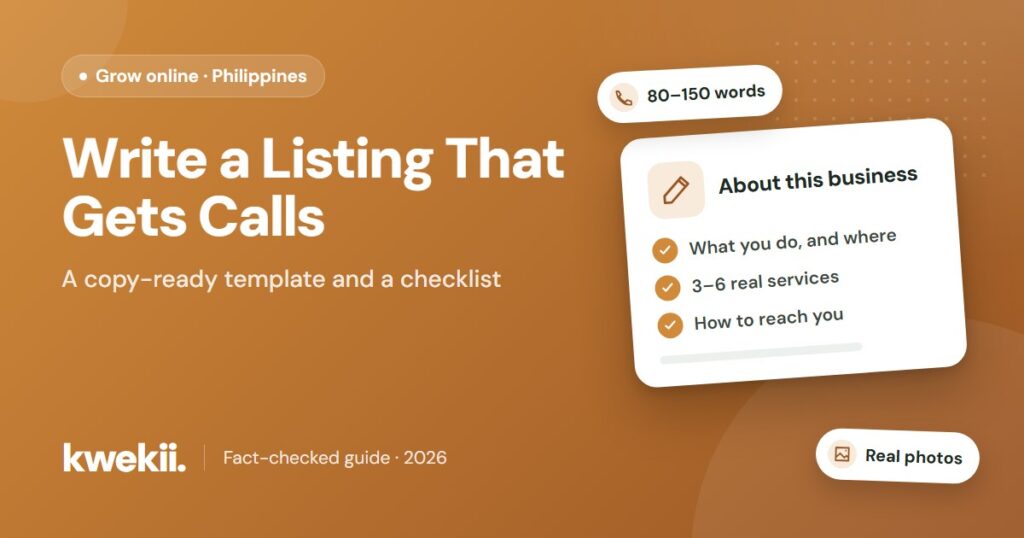
- What you do, in the first sentence. For example: “Santos Family Bakery is a neighborhood bakery on Rizal Street, Tagbilaran City.”
- Your main services or products. Name three to six specific things customers search for.
- Who you serve and the area you cover. Families, students, tourists, contractors; your barangay, town or province.
- What makes you easy to choose. Use facts, not hype: years in business, languages spoken, parking, walk-ins accepted, home service available.
- How to reach you. Say whether customers should call, message or walk in, and whether you need an appointment.
A simple template you can copy
Fill in the blanks, then rewrite it in your own words:
“[Business name] is a [type of business] in [street/barangay], [town]. We offer [service 1], [service 2] and [service 3] for [who you serve]. [One useful fact: years open / languages / parking / home service]. [How to contact or book: call, message or walk in].”
Example (made-up business): “Santos Family Bakery is a neighborhood bakery on Rizal Street, Tagbilaran City. We bake pandesal, ensaymada and custom birthday cakes for families and offices nearby. Open since 2015, with cake orders taken three days ahead. Call or message us on Facebook to order.” Only list services and facts that are true for your business.
Rules to follow on Google
If you copy your description to your Google Business Profile, follow Google’s guidelines. The description should give useful information about your services and products, and it can include your mission and history. It shouldn’t:
- Include links of any kind.
- Focus on special promotions, prices or sales.
- Use misspellings, gimmicky characters or irrelevant content.
Your business name also has to be your real-world name, without extra keywords or taglines. See our guide to getting your business found online for the full list.
Beyond the description: the rest of your profile
- Category and location. Choose the category that best describes your business and put the map pin on your actual door.
- Hours. Enter your real hours, not the form’s default. Update them for holidays.
- Phone and social links. List a number someone answers during business hours.
- Photos. Add your storefront (so people recognize it), the inside, your team and your work. Avoid stock photos.
- Tagline. A short line under your name, such as “Walk-ins welcome, Monday to Saturday”, helps you stand out in search results.
- FAQs. If the listing form has FAQ fields, answer the questions customers ask most often: parking, payment methods, appointments.
A quick listing checklist
| Item | Done right when… |
|---|---|
| Description | 80–150 words of your own, no placeholder text |
| Services | 3–6 specific services or products named |
| Location | Map pin on your actual entrance, correct town |
| Hours | Your real schedule, not the default |
| Contact | Phone answered during business hours |
| Photos | Real storefront and interior photos |
| Consistency | Same name, address and phone as your Google and Facebook pages |
Update your Kwekii profile
If your business is already on Kwekii, find your profile and use the claim option if it has one, so you can manage the details yourself. If you’re not listed yet, add your business for free. Learn more on our For businesses page.
Frequently asked questions
How long should a business description be?
Around 80 to 150 words is enough to cover what you do, your main services, your area and how to contact you, without losing the reader.
Can I put my website link in my Google Business Profile description?
No. Google’s guidelines say no links of any type are allowed in the description. Add your website in the dedicated website field instead.
Should I list prices in my business description?
Google’s guidelines say descriptions shouldn’t focus on promotions, prices or sales. Describe your services instead, and share current prices when customers contact you.
Can I write my description in Filipino or Cebuano?
Yes, write in the language your customers use. Many businesses add a short English line too, for visitors and tourists.
My business is listed on Kwekii but someone else created it. What do I do?
Open the profile and use the claim option if available to request ownership. If you need help, contact Kwekii through the Contact page.
Sources
- Google Business Profile Help: Guidelines for representing your business (business name and description rules)
- Listing review: Kwekii’s published business profiles, November 1, 2026.
Facts were checked against the sources above on November 1, 2026. Researched and drafted with AI assistance, then reviewed and edited by Genmar Dadivo.